Mascot sticker sheet of your own character
Wobblemark turns your own character into a mascot sticker sheet: 8 expressions in one PNG, each with a white die cut border in the Sticker style. Describe your mascot, pick a draft, and the free pack gives a 1536 x 768 px sheet with a watermark. The clean 2048 x 1024 px sheet costs 1 credit.
By The Wobblemark team (Product and testing). Last updated .
How to make a mascot sticker sheet, step by step
First, describe your mascot, for example a pink bunny for a bakery.
Then choose the Sticker style, so every face gets an ink outline and a white die cut border.
Next, click Draw my mascot and pick one of the four drafts.
After that, click Make the mascot pack to get the 8 expression sheet as one PNG.
Finally, send the clean sheet or the separate SVGs to your print shop or sticker app.
Drafts are always free, and the first 3 full packs each day are free too. After that, see the pricing page for packs and plans, or read how we test the tool.
Mascot sticker sheet tested with a real description
We typed this page's example into the studio and made the paid pack, with no edits. So the mascot, the sheet and the numbers below are exactly what the tool returns, and you can repeat the run yourself.
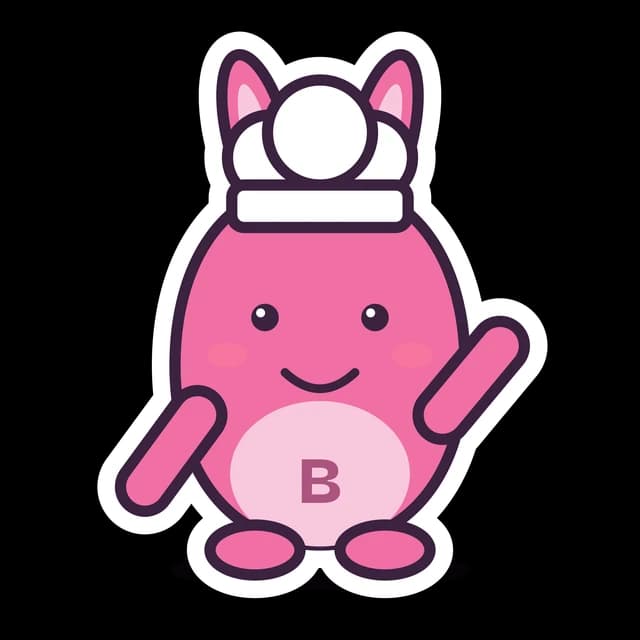
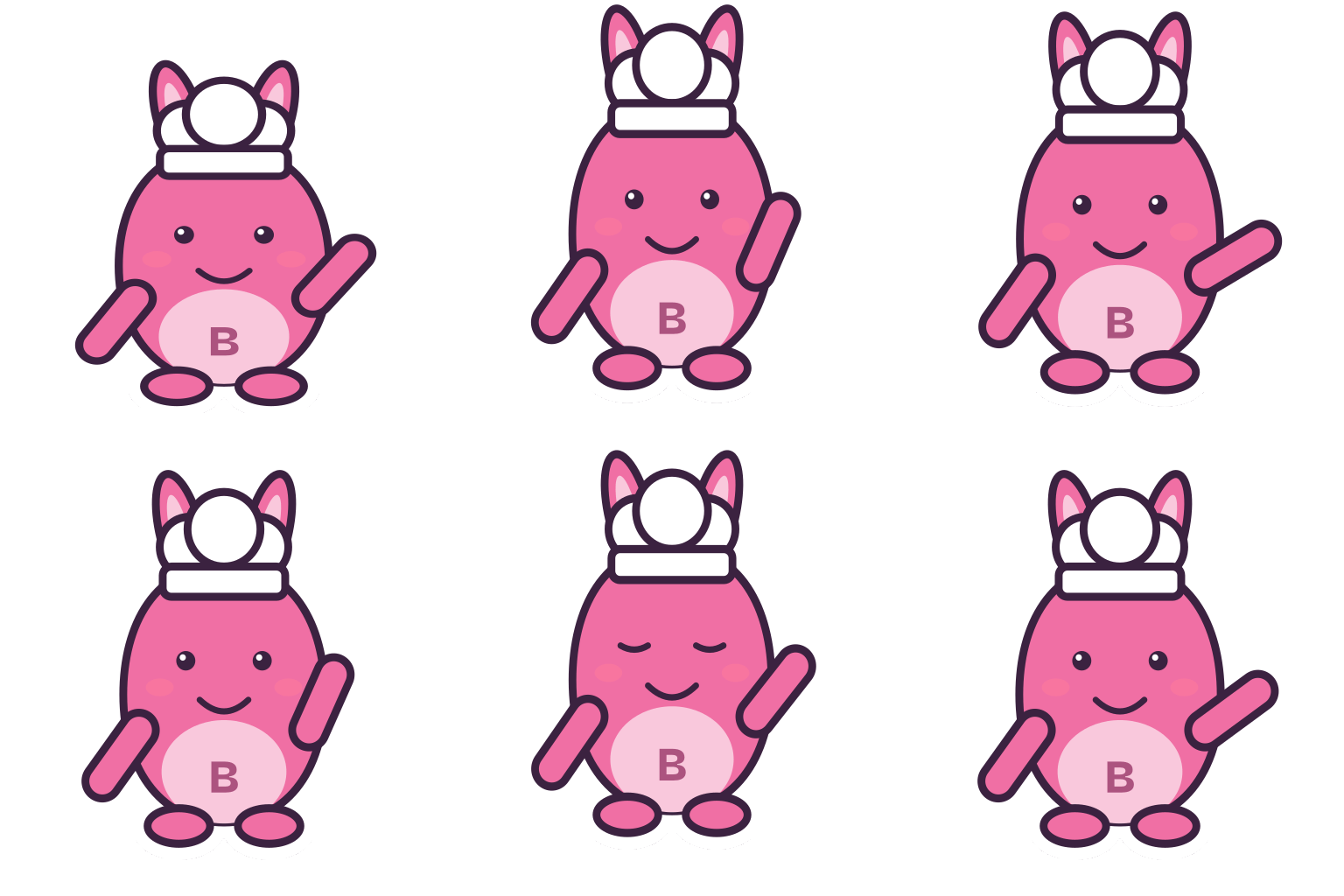
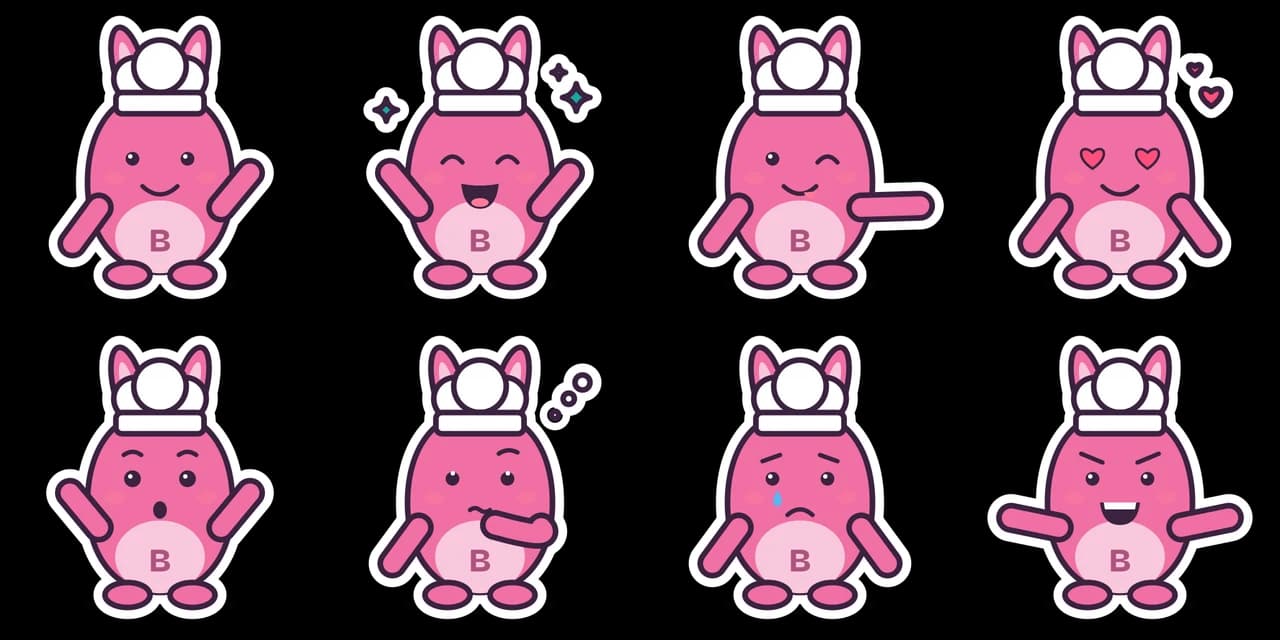
- Test input
- "a pink bunny for a bakery", brand Butterloaf, sticker style
- Result
- Mascot pack (paid, no watermark)
- Character
- bunny + chef
- Mascot PNG
- 2048 x 2048 px, 179 KB
- Mascot SVG
- 5 KB
- Expressions
- 8 (sheet + one SVG each)
- Animation
- 512 px GIF 248 KB, WebP 285 KB
- Name ideas
- Bean the Bunny, Butto, Sir Butterloaf
- Time to make
- 1.3 s for the whole pack
How we test: every guide runs its own example through the same engine, and we check each pack by hand. More on the about page.
Your own mascot, not a collectible sticker album
A quick note first. About half of the people who search for a mascot sticker sheet are looking for collectible stickers, such as the official mascot of a big sports tournament for a sticker album. We do not sell or print those.
Instead, Wobblemark makes stickers of your own mascot. You describe a character for your brand, school, team or channel, and the tool builds it. Then the pack lays out 8 expressions of that character on one sheet.
So if you came here for album stickers, a sticker shop or the tournament's official store is the right place. However, if you want stickers of a character that belongs to you, keep reading.
What is on the mascot sticker sheet
The sheet is a grid of 4 by 2, with one expression per cell. Happy wave, Excited cheer, Wink and point and Love sit on the top row. Below them come Surprised, Thinking, Oops and Game face.
Each face has its own pose, so the stickers do not look like copies with a new mouth. For example, Excited cheer has both arms up, Thinking holds a hand to the chin and Game face flexes.
Because the engine draws one vector character, every sticker shows the same body, colors and belly initials. As a result, the sheet reads as one set, which is exactly what you want from a mascot sticker sheet.
Why the Sticker style is made for print
The Sticker style adds two things. First, an ink outline around the character keeps it crisp. Second, a thick white border follows the shape on the outside, like a die cut sticker.
That white border is useful at a print shop. Many shops cut along the outer shape of each design, and a white edge hides small cutting errors. In addition, the border is its own group in the SVG, so a shop or designer can trace a cut line from it.
Flat and Soft styles also work as images, but they have no white edge. So for printed stickers, Sticker is the better pick.
Print size, resolution and cut lines
Most print shops ask for 300 pixels per inch. At that density, the clean 2048 x 1024 px sheet prints at about 6.8 by 3.4 inches. Each 512 px cell then becomes a sticker of about 1.7 inches.
For bigger stickers, use the SVGs from the paid pack. Since SVG is a vector format, it scales to any size without blur, so a 4 inch laptop sticker stays sharp.
Ask your shop how it wants cut lines. Some create the contour for you from the white border, while others want a separate cut path layer. Also, the free sheet has a watermark, so do not send it to print.
Using single stickers in chat and messaging apps
Messaging apps usually want one sticker per file, not a whole sheet. So take the separate SVG of each expression from the paid pack and export it at the size the app asks for.
Keep a little transparent space around each sticker, and check the app's own rules for size and file type before you upload. Then add all 8 expressions as one pack, so your community gets a full set of reactions.
Discord servers, Telegram packs and team chats all benefit from this. For example, Oops makes a good bug report sticker, and Excited cheer suits a launch day.
When this mascot sticker sheet is not what you need
It does not make sticker sheets of famous characters, licensed tournament mascots or a real person. Also, the vector maker will not trace a logo you upload.
In addition, the vector sheet is fixed at 8 expressions in a clean cartoon look. If you need a full printed sheet in a painted style with dozens of poses, a sticker illustrator is the better choice.
More stickers from the AI studio
Want more than 8 faces? Then open your mascot in the AI studio. It draws new poses, such as sitting, dancing or a thumbs up, and outfits, such as a party hat or a chef hat and apron. Each image costs 1 credit and downloads as a transparent 1024 px PNG.
The studio also has 9 styles, and Kawaii, Chibi and Doodle suit stickers well. Next, any image can become a five second animation for 10 credits, as a transparent GIF or WebM. So you can add a few animated stickers to a chat pack.
Keep in mind that AI results vary between runs, so check each sticker before you print it.
Mascot sticker sheet files and print sizes
| Item | Details |
|---|---|
| Layout | 8 expressions in a 4 by 2 grid |
| Free sheet | 1536 x 768 px PNG with a watermark, 3 packs a day |
| Paid sheet | 2048 x 1024 px clean PNG, commercial use, 1 credit |
| Single stickers | One SVG per expression in the paid pack |
| Print size at 300 ppi | Sheet about 6.8 x 3.4 in, each cell about 1.7 in |
| Border | White die cut border and ink outline in the Sticker style |
| Background | Transparent |
| Price | 1 credit per pack; Starter is $9 a month for 72 credits |
| AI studio stickers | New poses and outfits in 9 styles, 1 credit each, transparent PNG |
Mascot sticker sheet FAQ
How do I make a sticker sheet of my mascot?
Describe your mascot, choose the Sticker style, pick a draft and click Make the mascot pack. The pack includes all 8 expressions on one PNG sheet.
Is the mascot sticker sheet free?
The free pack has a 1536 x 768 px sheet with a watermark, and you get 3 free packs a day. The clean 2048 x 1024 px sheet costs 1 credit.
Can I print the stickers at home?
Yes. Print the clean sheet on sticker paper at 300 ppi, then cut along the white border. For larger stickers, print from the SVGs.
Do you include a cut line file?
Not as a separate file. In the Sticker style, the white border is its own group in the SVG, so a print shop can trace a contour cut from it.
Do you sell World Cup or Panini mascot stickers?
No. We make stickers of your own mascot only. For official collectible stickers, check the publisher or the tournament's store.
Can I use the stickers in Telegram or Discord?
Yes. Use the separate SVG of each expression from the paid pack, export it at the size the app asks for and upload it.
Can I sell the printed stickers?
The paid pack includes commercial use, so you can print and sell stickers of your own mascot. The free files carry a watermark.