Mascot maker: the parts behind every character
This mascot maker builds each character from a kit of vector parts. There are 6 body shapes, 12 head pieces, four kinds of markings, 3 eye styles, 8 accessories and 6 poses. You do not drag pieces around. Instead, the words in your description pick the parts, and the seed fills in the rest.
By The Wobblemark team (Product and testing). Last updated .
How to steer the mascot maker with keywords, step by step
Name an animal or a thing first, such as owl, robot or flame.
Then add your field, for example school, gaming or bakery, to pick an accessory.
Add a color word like navy or pink, or pick a swatch.
Choose Sticker, Flat or Soft, then press Draw my mascot.
Compare the four drafts. If a part is wrong, change one keyword and draw again.
Drafts are always free, and the first 3 full packs each day are free too. After that, see the pricing page for packs and plans, or read how we test the tool.
Mascot maker tested with a real description
We typed this page's example into the studio and made the paid pack, with no edits. So the mascot, the sheet and the numbers below are exactly what the tool returns, and you can repeat the run yourself.
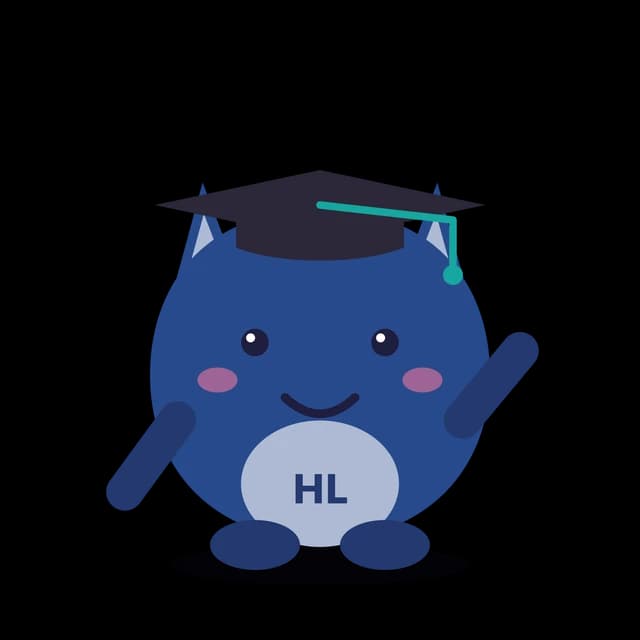
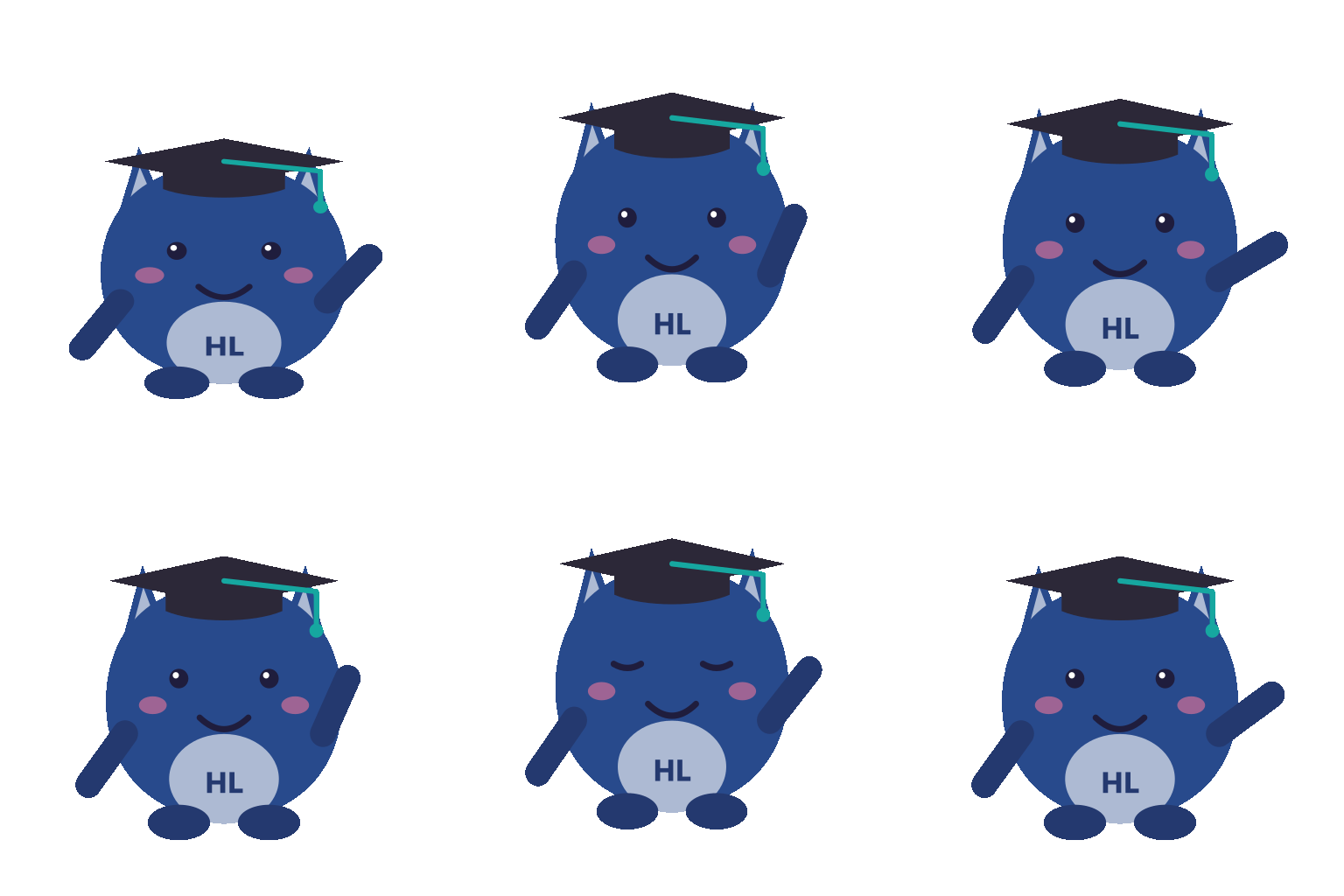
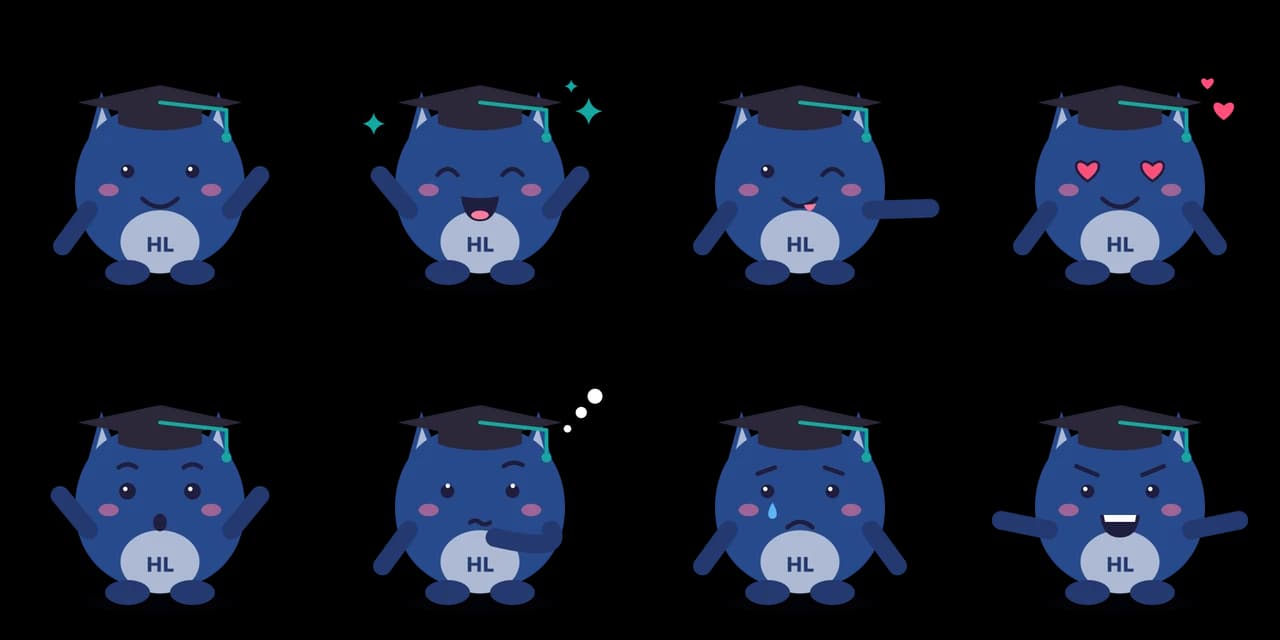
- Test input
- "a navy owl for a science academy", brand Hoot Lab, flat style
- Result
- Mascot pack (paid, no watermark)
- Character
- bird + student
- Mascot PNG
- 2048 x 2048 px, 98 KB
- Mascot SVG
- 2 KB
- Expressions
- 8 (sheet + one SVG each)
- Animation
- 512 px GIF 119 KB, WebP 168 KB
- Name ideas
- Bean the Bird, Hooty, Sir Hoot
- Time to make
- 0.9 s for the whole pack
How we test: every guide runs its own example through the same engine, and we check each pack by hand. More on the about page.
Six body shapes
Every mascot starts with a body: round, bean, drop, box, pear or cloud. The body sets the silhouette, and a clear silhouette matters most at sticker size.
Some keywords pick the body for you. For example, robot, tech and app pick the box, while coffee and bean pick the bean. Water and cleaning pick the drop, and cloud or hosting pick the cloud. A fox gets the pear, and a bear or an owl gets the round body.
If no keyword decides the body, the seed chooses one. Also, drafts 3 and 4 may try a different body even when a keyword picked one, so you can see your idea in another silhouette.
Twelve head pieces in the mascot maker
The head piece does most of the work in telling viewers what the mascot is. The mascot maker has 12 of them: cat ears, bear ears, bunny ears, floppy dog ears, fox ears, owl tufts, a robot antenna, a plant sprout, a flame, horns, a crown and a lion mane. A mascot can also go without one.
Keywords map to them directly. Cat or kitten gives cat ears, and puppy or pet gives floppy ears. Eco, garden and plant give a sprout, while spicy and BBQ give a flame. King, queen and royal give a crown, and dragon or monster gives horns.
Cats and foxes also get a matching tail, so the character reads from behind the body too.
Markings, eyes and color
Markings add pattern on top of the body. There are four: a belly patch, panda eye patches, tiger stripes and spots. Panda picks the eye patches, and tiger picks stripes. If you type a brand name, its first one or two initials go on a belly badge, so the belly patch appears for them, unless the mascot is a panda or a tiger.
Next come the eyes. There are 3 eye styles, and the seed picks one, so Shuffle is the way to try the others.
Color comes from three places. A swatch or a custom hex wins first. Otherwise, a color word in your description decides, and after that the keyword itself, such as orange for a fox. The maker then derives a darker shade for ears and feet and a lighter tint for the belly.
Eight accessories
Accessories tie the mascot to a field. There are 8: a baseball cap, a graduation cap, headphones, glasses, a bow tie, a scarf, a chef hat and a headband.
Each one has keywords. Team, soccer and hockey give the cap, while school, academy and university give the graduation cap. Gaming, streamer, music and podcast give headphones. Business, finance and law give a bow tie, science and lab give glasses, winter and cozy give a scarf, and yoga and wellness give a headband.
However, a crown, a flame, a sprout or an antenna already fills the top of the head. So when no keyword asks for an accessory, the mascot maker leaves those characters without one.
Styles and poses
The same parts render in three styles. Sticker adds an ink outline and a white die-cut border. Flat removes the outline for a clean app look. Soft keeps the shapes but adds gentle shading.
The pack then puts the character into 6 poses: idle, wave, cheer, point, think and flex. Each of the 8 expressions uses one of them, from Happy wave to Game face with a flex. Because the parts never change, every pose shows the same character.
Why parts instead of a free drawing
A part kit has clear limits. It will not draw a specific real breed, a person or a logo you upload, and it will not paint a detailed scene.
Still, the kit has strong upsides. The same description and seed always give the same mascot, so you can come back to it. Nothing melts or grows an extra limb. Also, every part is a vector shape, so the paid pack can give you true SVG files.
When the mascot maker hands off to the AI studio
Sometimes the part kit is not enough. For example, you may want a 3D toy look, your own pet as a mascot, or a pose the kit does not have. In that case, press Open in the AI studio under your pack, or start there from text or a photo.
The studio redraws the character in one of 9 styles: Cartoon, 3D toy, Animated film, Plush, Pixel art, Anime, Chibi, Kawaii or Doodle. It also draws new poses, such as sitting or dancing, and outfits, such as a superhero cape. Each image costs 1 credit.
Finally, any image can become a five second animation for 10 credits, with a transparent GIF, WebM and Lottie file. However, the studio uses an AI model, so results vary between runs and there is no SVG.
Mascot maker parts list
| Part | Options |
|---|---|
| Body shapes | Round, bean, drop, box, pear, cloud |
| Head pieces | Cat, bear, bunny, dog, fox ears, owl tufts, antenna, sprout, flame, horns, crown, lion mane, or none |
| Markings | Belly patch with initials, panda eye patches, tiger stripes, spots |
| Eyes | 3 styles |
| Accessories | Baseball cap, graduation cap, headphones, glasses, bow tie, scarf, chef hat, headband |
| Poses | Idle, wave, cheer, point, think, flex |
| Styles | Sticker, Flat, Soft |
Mascot maker FAQ
Can I pick each part by hand in this mascot maker?
Not directly. Your keywords pick the parts, and the seed picks the rest. To change one part, change the word that controls it and draw again.
Why did my mascot get a graduation cap?
A word like school, student or academy picks it. Remove that word, or add a field word such as yoga, which gives a headband instead.
How do I get a panda or a tiger?
Type panda or tiger. Panda gives bear ears, eye patches and a white body. Tiger gives cat ears, stripes and orange.
What if I use two animals in one description?
The first keyword in the tool's list wins each part. So a panda keeps its eye patches even if you also write cat. Try one animal per description for the clearest result.
Can I make a human mascot?
Not with the part kit. Its parts are animals, creatures and objects such as a robot, a flame or a cloud. Also, the AI studio does not draw real public figures.
Is the mascot maker free?
Drafts are free and unlimited. You also get 3 free packs a day with a watermark. SVG files and clean PNGs cost 1 credit per pack, and the AI studio uses credits only.