Cartoon mascot character in 8 expressions and 6 poses
Wobblemark draws a cartoon mascot character from a short description, in a clean sticker style with an ink outline and a white die-cut border. You can also pick Flat or Soft. The pack then shows that exact character in 8 expressions and 6 poses, plus a short looping animation, without the face or colors drifting.
By The Wobblemark team (Product and testing). Last updated .
How to make a cartoon mascot character, step by step
Describe a character with a clear animal or object, for example a goofy frog for a pizza place.
Then pick Sticker for the classic cartoon look, or try Flat and Soft.
Next, press Draw my mascot and pick the draft with the best silhouette.
Press Make the mascot pack to see all 8 expressions.
Finally, use the expressions as stickers, reactions or website states.
Drafts are always free, and the first 3 full packs each day are free too. After that, see the pricing page for packs and plans, or read how we test the tool.
Cartoon mascot character tested with a real description
We typed this page's example into the studio and made the paid pack, with no edits. So the mascot, the sheet and the numbers below are exactly what the tool returns, and you can repeat the run yourself.
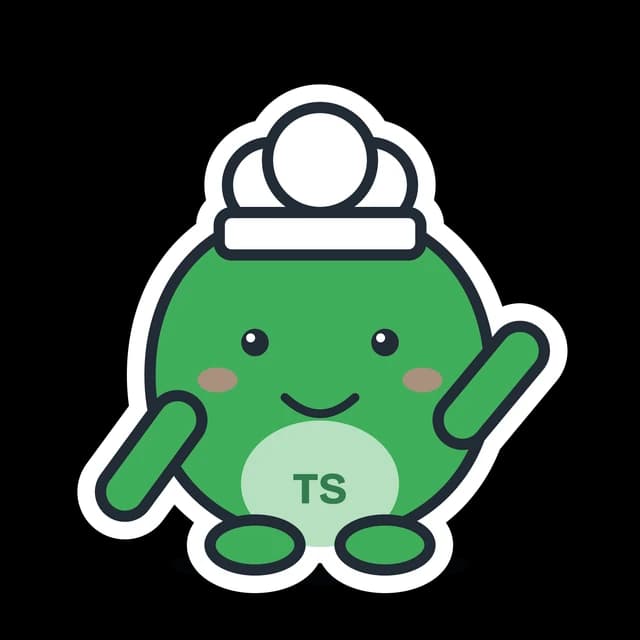
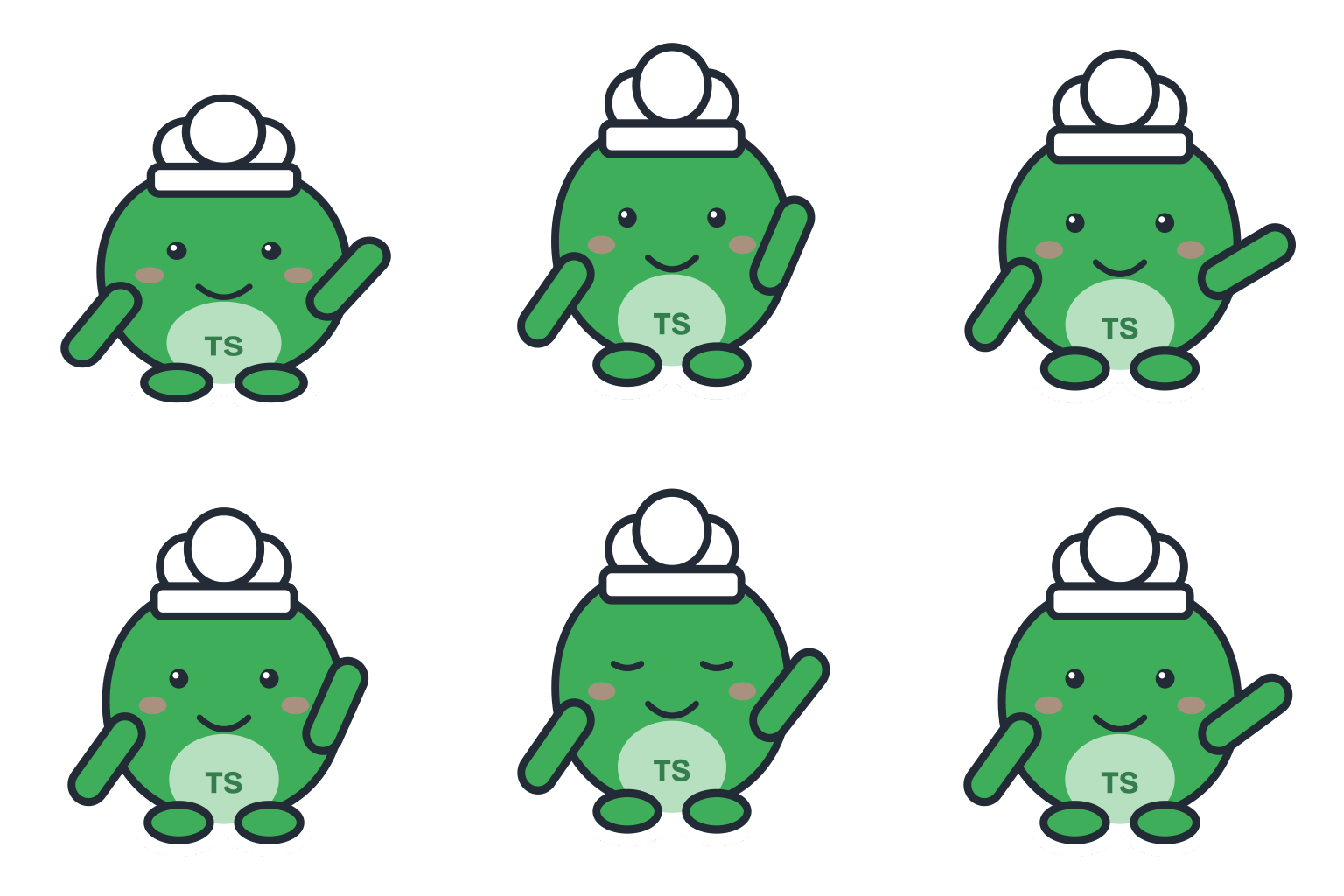
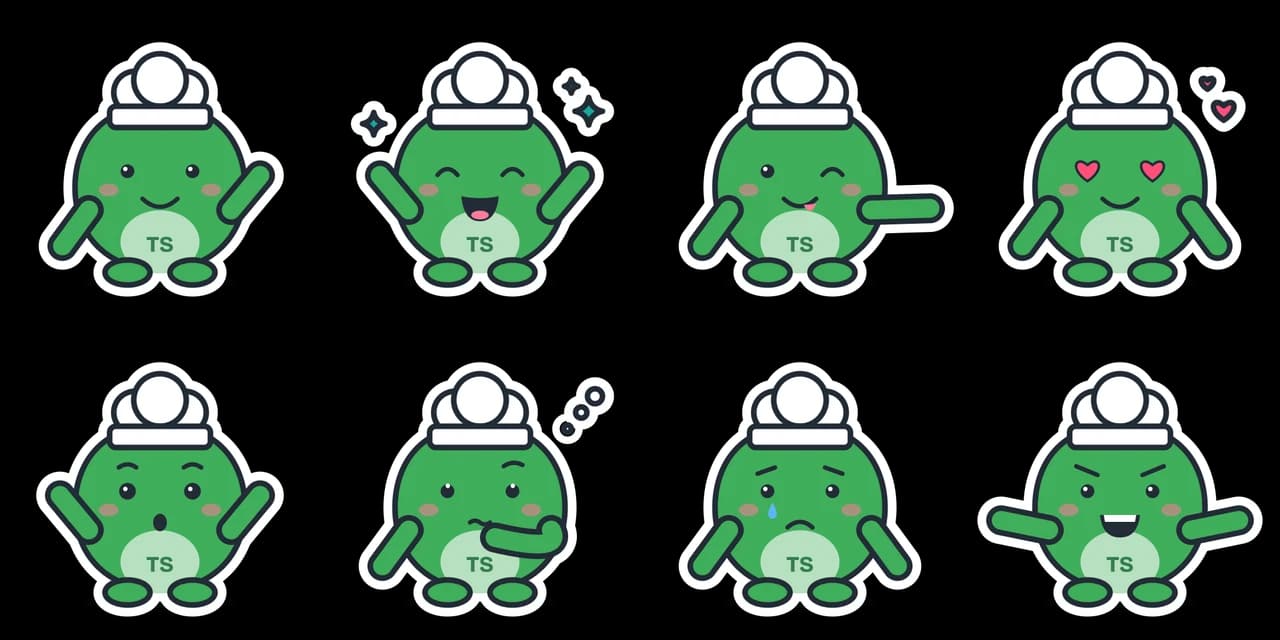
- Test input
- "a goofy frog for a pizza place", brand Toad Slice, sticker style
- Result
- Mascot pack (paid, no watermark)
- Character
- frog + chef
- Mascot PNG
- 2048 x 2048 px, 161 KB
- Mascot SVG
- 4 KB
- Expressions
- 8 (sheet + one SVG each)
- Animation
- 512 px GIF 219 KB, WebP 267 KB
- Name ideas
- Fizz the Frog, Toady, Sir Toad
- Time to make
- 1.1 s for the whole pack
How we test: every guide runs its own example through the same engine, and we check each pack by hand. More on the about page.
What makes a good cartoon mascot character
A strong cartoon mascot has a simple shape, a clear face and one or two signature details. Think of a round body, big eyes and a pair of fox ears. That mix reads at a glance, even at emoji size.
Wobblemark follows those rules on purpose. It builds each character from a short list of vector parts: a body shape, a head piece, markings, eyes and maybe one accessory. So the result stays bold and readable instead of busy.
It is honest to say what this style is not. The vector engine draws a clean cartoon sticker look, not a painted illustration, and it does not draw people or a specific real breed.
Sticker vs Flat vs Soft
Sticker is the default and the most cartoon of the three. It adds a dark ink outline and a white die-cut border around the whole mascot, so the character pops on any background. It suits chat stickers, laptop decals and social posts.
Flat drops the outline. The shapes sit side by side in solid color, which gives a modern app or website feel. It also works well for embroidery and small icons.
Soft keeps the same shapes but adds gentle shading. As a result, the mascot looks rounder and a little more like a toy. Try all three on the same draft, because the parts stay the same and only the rendering changes.
One cartoon mascot character in 8 expressions
Consistency is the hard part of any mascot. When an image model draws a new picture, it can change the eyes, the ears or the colors. Our engine instead reuses the same vector parts for every frame, so the character in each expression is exactly the one you picked.
The pack has 8 expressions: Happy wave, Excited cheer, Wink and point, Love with heart eyes, Surprised, Thinking, Oops with a tear, and Game face with fierce brows and a grin. Together they cover most moods a brand needs, from a welcome to an apology.
Also, the same description and seed always draw the same mascot. That means you can come back later and get the same character again.
Six poses for the same character
Each expression comes with its own pose. There are 6 poses in total: idle, wave, cheer, point, think and flex. For example, Happy wave raises a hand, Wink and point aims at something, and Game face flexes.
Poses make the cartoon mascot character useful in layouts. A pointing pose can lead the eye to a button, while a thinking pose fits a loading screen. Similarly, Oops softens an error message.
The looping cartoon animation
The pack also animates the character. Its loop has 16 frames at 70 ms, so it runs about 1.1 seconds. The mascot bounces twice with a squash on landing, waves and blinks once.
It comes as a GIF and, in the paid pack, as an animated WebP too. In addition, the loop has no flashing, which keeps it in line with the WCAG guidance on flashes.
For a longer move, the AI studio turns any mascot image into a clip of about five seconds for 10 credits. You pick a preset, such as a happy jump or a short dance, and download a transparent GIF, WebM or Lottie file. Neither tool, however, does speech or lip sync.
Other cartoon looks in the AI studio
The vector engine draws one clean sticker look. The AI studio, by contrast, redraws your cartoon mascot character in 9 styles: Cartoon, 3D toy, Animated film, Plush, Pixel art, Anime, Chibi, Kawaii and Doodle. It can start from a vector draft, a description or an uploaded sketch.
Then it draws new poses and outfits, for example a thumbs up or a winter scarf and beanie. Each image costs 1 credit and comes as a transparent 1024 px PNG. Still, AI results vary between runs, so the character can drift slightly between poses.
Free and paid files
Drafts are free and unlimited. You also get 3 free packs a day with a 1024 px PNG, a 1536 x 768 px expression sheet and a 320 px GIF, all watermarked and without SVG.
One credit gives the clean pack: a 2048 px PNG, SVG files for the mascot and each expression, a 2048 x 1024 px sheet, a 512 px GIF and a 512 px animated WebP. Credits come with a plan: Starter is $9 a month for 72 credits, Growth is $29 for 288 and Studio is $89 for 864.
Cartoon mascot character pack
| Item | Details |
|---|---|
| Styles | Sticker (ink outline and die-cut border), Flat (no outline), Soft (shading) |
| Expressions | Happy wave, Excited cheer, Wink and point, Love, Surprised, Thinking, Oops, Game face |
| Poses | Idle, wave, cheer, point, think, flex |
| Animation | 16 frames at 70 ms, two bounces, a wave and a blink |
| Expression sheet | Free 1536 x 768 px with a watermark, paid 2048 x 1024 px clean |
| Vector files | SVG for the mascot and each expression, paid pack |
Cartoon mascot character FAQ
How do I keep my cartoon mascot the same in every image?
Use one draft for the whole pack. The engine reuses the same parts for each expression and pose, so the character stays identical.
What is the best style for a cartoon mascot sticker?
Pick Sticker. It adds an ink outline and a white die-cut border, which looks like a classic printed sticker.
Can I get a 3D or plush version?
Yes. Open your mascot in the AI studio and pick 3D toy, Plush or one of 7 other styles, for 1 credit per image. That file is a transparent PNG without SVG.
Can I add more expressions?
The vector pack has a fixed set of 8 expressions with 6 poses, each as its own SVG. For more, the AI studio draws any pose or outfit you type, for 1 credit per image.
Can the mascot talk or move its mouth?
No. Neither the vector loop nor the five second AI studio clip has speech or lip sync. For a talking mascot, work with an animator.
Is it free to make a cartoon mascot character?
Drafts are free and unlimited, and you get 3 watermarked packs a day. Clean files and SVGs cost 1 credit per pack.