Animated mascot maker for a looping GIF and WebP
This animated mascot maker turns one short description into a cartoon character that bounces, waves and blinks in a loop. Type what your brand is, pick a draft, and the pack adds a 16 frame animation as a GIF and an animated WebP. So you get a small, light loop for a website, an app or an email.
By The Wobblemark team (Product and testing). Last updated .
How to use the animated mascot maker, step by step
First, describe the mascot in a few words, for example a cheerful robot for a tech app.
Then add a brand name if you want its initials on the belly badge, and pick a color and a style.
Next, click Draw my mascot and choose one of the four drafts. Shuffle draws four new ones.
After that, click Make the mascot pack. The loop is built from the draft you chose.
Finally, download the GIF for email and chat, or the animated WebP for your website.
Drafts are always free, and the first 3 full packs each day are free too. After that, see the pricing page for packs and plans, or read how we test the tool.
Animated mascot maker tested with a real description
We typed this page's example into the studio and made the paid pack, with no edits. So the mascot, the sheet and the numbers below are exactly what the tool returns, and you can repeat the run yourself.
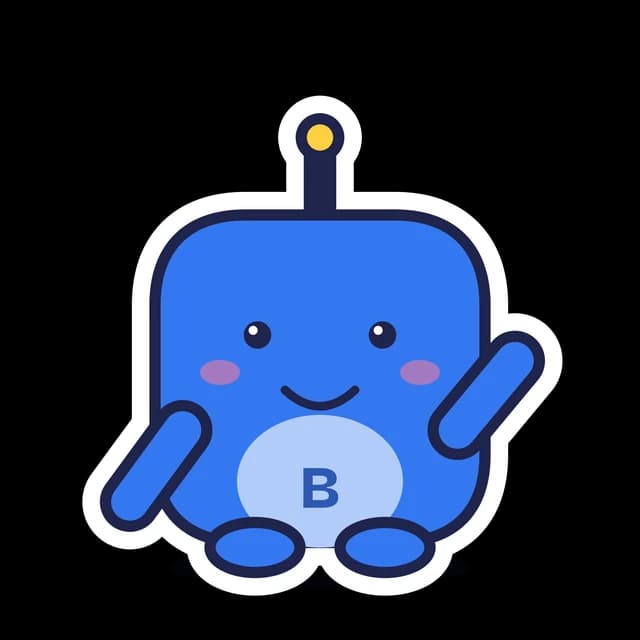
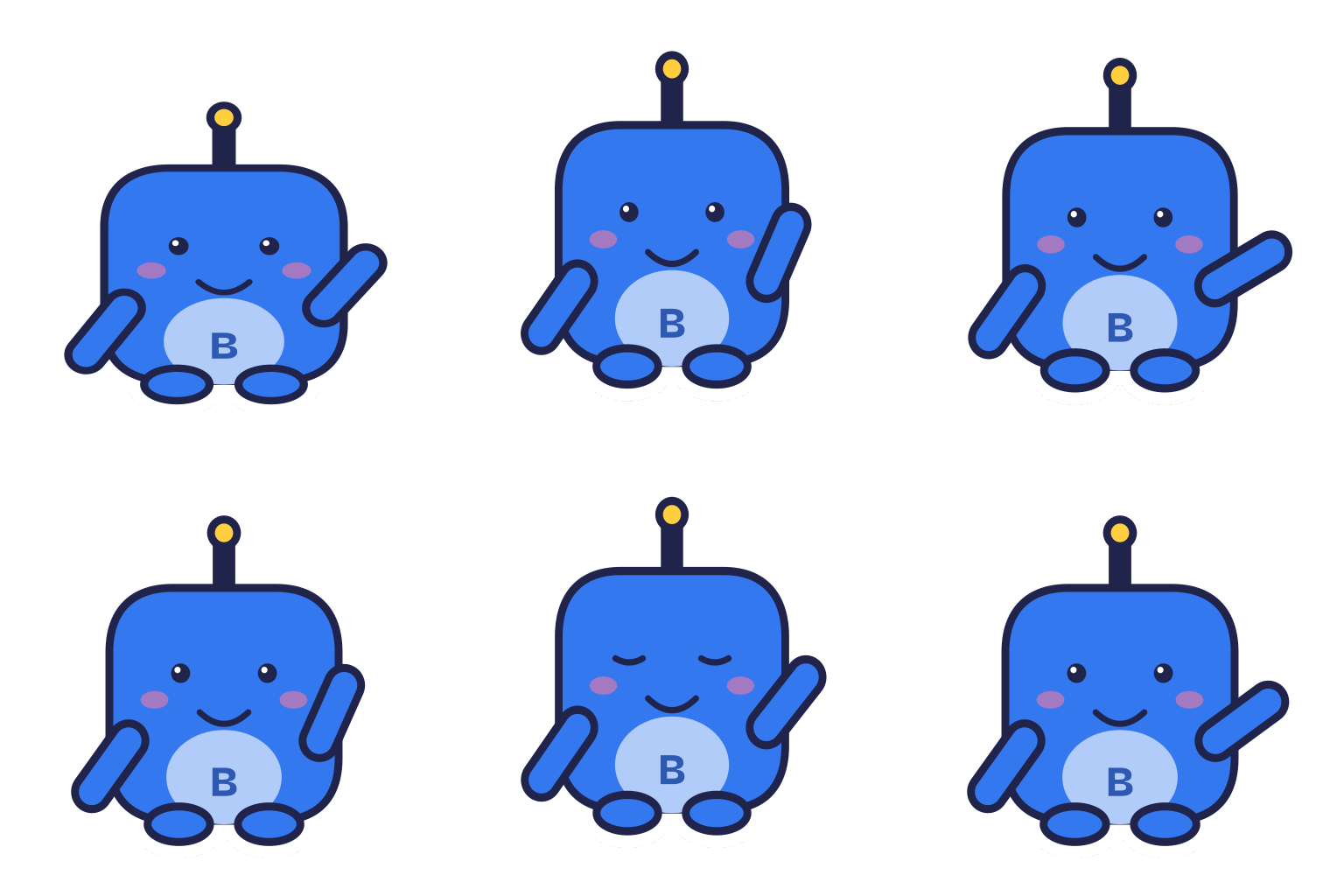
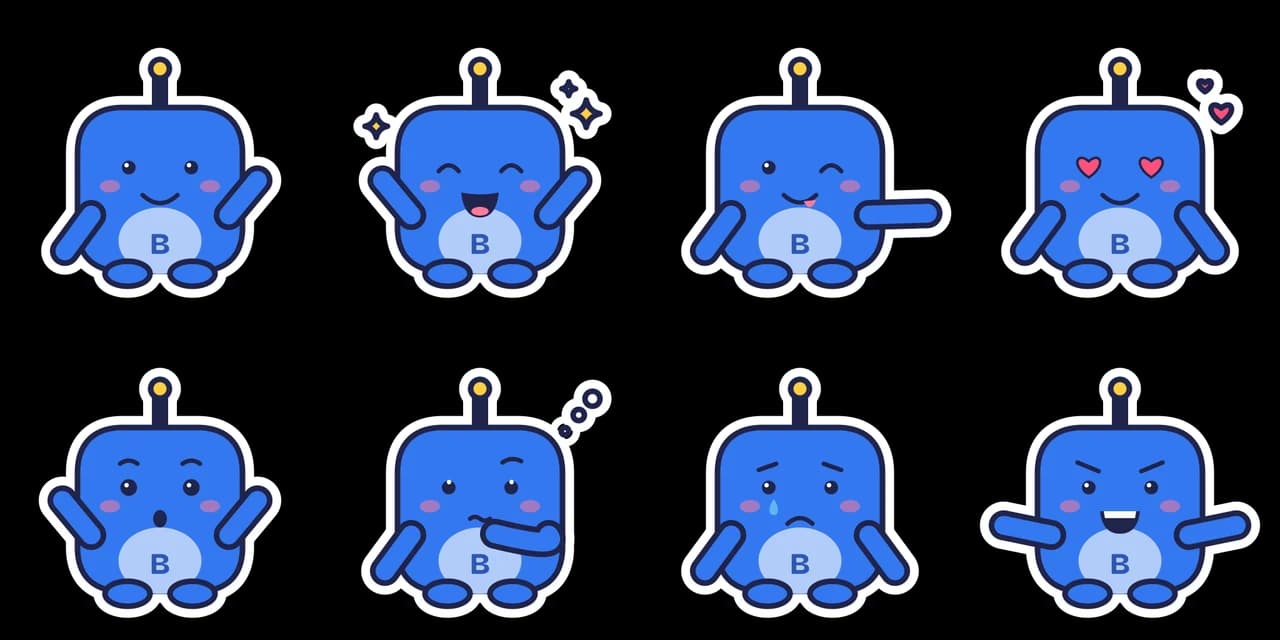
- Test input
- "a cheerful robot for a tech app", brand Boltwick, sticker style
- Result
- Mascot pack (paid, no watermark)
- Character
- robot
- Mascot PNG
- 2048 x 2048 px, 132 KB
- Mascot SVG
- 4 KB
- Expressions
- 8 (sheet + one SVG each)
- Animation
- 512 px GIF 192 KB, WebP 231 KB
- Name ideas
- Ruby the Robot, Bolto, Sir Boltwick
- Time to make
- 1.2 s for the whole pack
How we test: every guide runs its own example through the same engine, and we check each pack by hand. More on the about page.
What the animated mascot maker loop looks like
Every loop has 16 frames, and each frame stays on screen for 70 ms. So one full cycle lasts about 1.1 seconds, then it starts again. That is short enough to feel alive and calm enough to sit next to text.
Inside that second, the character does three things. First, it bounces twice, and its body squashes a little on each landing, like a soft toy. Meanwhile, its raised arm waves hello. Then, near the end of the cycle, it blinks once.
The loop uses the Happy wave face from the expression set. As a result, the animated mascot matches the static PNG in your pack exactly, because both come from the same vector character.
How the animation is made from one vector character
The free loop does not use a video model. Instead, our own vector mascot engine reads your description for keywords and builds the character from parts: a body shape, a head piece, markings, eyes and an accessory.
For the loop, the engine moves those same parts. It lifts the whole body, squashes it near the feet, swings the arm and closes the eyes for two frames. Then it turns each frame into an image and joins the frames into one file.
That is why nothing changes shape between frames. The ears, the colors and the belly initials stay the same from the first frame to the last.
GIF or animated WebP: which file to use
The paid pack gives you both formats at 512 px. GIF plays almost everywhere, including email clients and chat apps. However, a GIF frame has at most 256 colors and only on or off transparency, so soft edges need a solid border behind them.
Animated WebP keeps full alpha transparency, so edges blend into any background. Google says lossy animated WebP files are often much smaller than GIFs. Still, in our own tests with flat sticker colors, the WebP was sometimes a little larger than the GIF, because it keeps every soft edge.
So the simple rule is this. Use the WebP on your own website, where modern browsers show it well. Then keep the GIF for places you do not control, such as newsletters and support chats.
Where an animated mascot works best
A website hero is the classic spot. For example, a small waving character next to a sign up button makes a page feel friendly without a heavy video. Because the loop is about a second long, it does not pull focus from your headline.
Onboarding screens are another good fit. A mascot that waves on the welcome step gives new users a face to follow. Similarly, empty states, such as an empty inbox or a cart with no items, feel less cold with a bouncing helper.
Emails work too, as long as you use the GIF. For error pages, however, a static expression such as Oops usually fits better than motion. Also, the W3C asks for no more than three flashes in any one second, and our loop has none: the only change is a single blink.
Five second animations in the AI studio
The free loop is short on purpose. When you need more motion, the AI studio turns any mascot image into a clip of about five seconds. You can start from a vector draft, a text description or an uploaded photo, in one of 9 art styles such as 3D toy, Plush or Anime.
Then pick a motion preset: waves hello, happy jump, nods yes, cheers, short dance, or gentle bounce and blink. Alternatively, type your own move. Each animation costs 10 credits and takes 2 to 5 minutes in the background, so you can leave the page.
Next, the studio removes the background for you. So you download a transparent GIF, a transparent WebM (VP9 with alpha), a Lottie file and the original MP4 on a flat key color for video editors. A full flow with a reference, a pose and an animation costs 12 credits.
When this animated mascot maker is not the right tool
First, neither tool makes speech or lip sync. The mascot cannot talk, read a script or move its mouth to a voice. For that, you need an animator.
Second, AI clips are short loops of about five seconds, not long videos or a custom story. In addition, AI results vary between runs, and the character can drift slightly between poses. The free vector loop, by contrast, never drifts, but its motion is fixed.
Animated mascot maker loop and files
| Item | Details |
|---|---|
| Loop length | 16 frames at 70 ms, about 1.1 seconds |
| Motion | Two bounces with a squash on landing, a wave, one blink |
| Face in the loop | Happy wave |
| Free pack | 320 px GIF with a watermark, 3 packs a day, no account |
| Paid pack | 512 px GIF and 512 px animated WebP, clean, 1 credit |
| Measured file size | About 100 to 380 KB per loop in our tests |
| Flashing | None (one blink only) |
| AI studio animation | About 5 seconds, 10 credits, transparent GIF, WebM and Lottie plus MP4 |
| Plans | Starter $9 a month for 72 credits, Growth $29 for 288, Studio $89 for 864 |
Animated mascot maker FAQ
Is there a free animated mascot maker?
Yes. Drafts are free and unlimited, and you can make 3 free packs a day without an account. The free pack includes a 320 px GIF loop with a watermark. The clean 512 px GIF and WebP cost 1 credit.
How long is the mascot animation?
The free vector loop has 16 frames at 70 ms each, so it lasts about 1.1 seconds. An AI studio animation lasts about five seconds.
Can my mascot talk or lip sync?
No. Neither the vector loop nor the AI studio does speech or lip sync. For a talking mascot, you need a human animator.
Can I choose a different animation, like a dance?
Yes, in the AI studio. Short dance is one of the motion presets, and you can also type your own motion. The free vector pack, however, always has the same wave loop.
Does the animated mascot have a transparent background?
Yes. The vector WebP and the AI studio WebM keep full alpha transparency. A GIF has on or off transparency, so its edges look best on a light background.
Is the animation safe for people with photosensitivity?
There is no flashing in the loop. It follows the W3C guideline of no more than three flashes in any one second. You can also show a static PNG to visitors who ask for reduced motion.
Can I use the animated mascot commercially?
Yes, the paid pack comes with commercial use. That covers your website, app, emails and social posts.